LinkedIn Video: Formats, Lengths and Best Practices for Businesses
What works for LinkedIn video: formats from 1:1 to 9:16, the right length for each objective, subtitles, hooks and upload strategy. A concise guide for businesses.
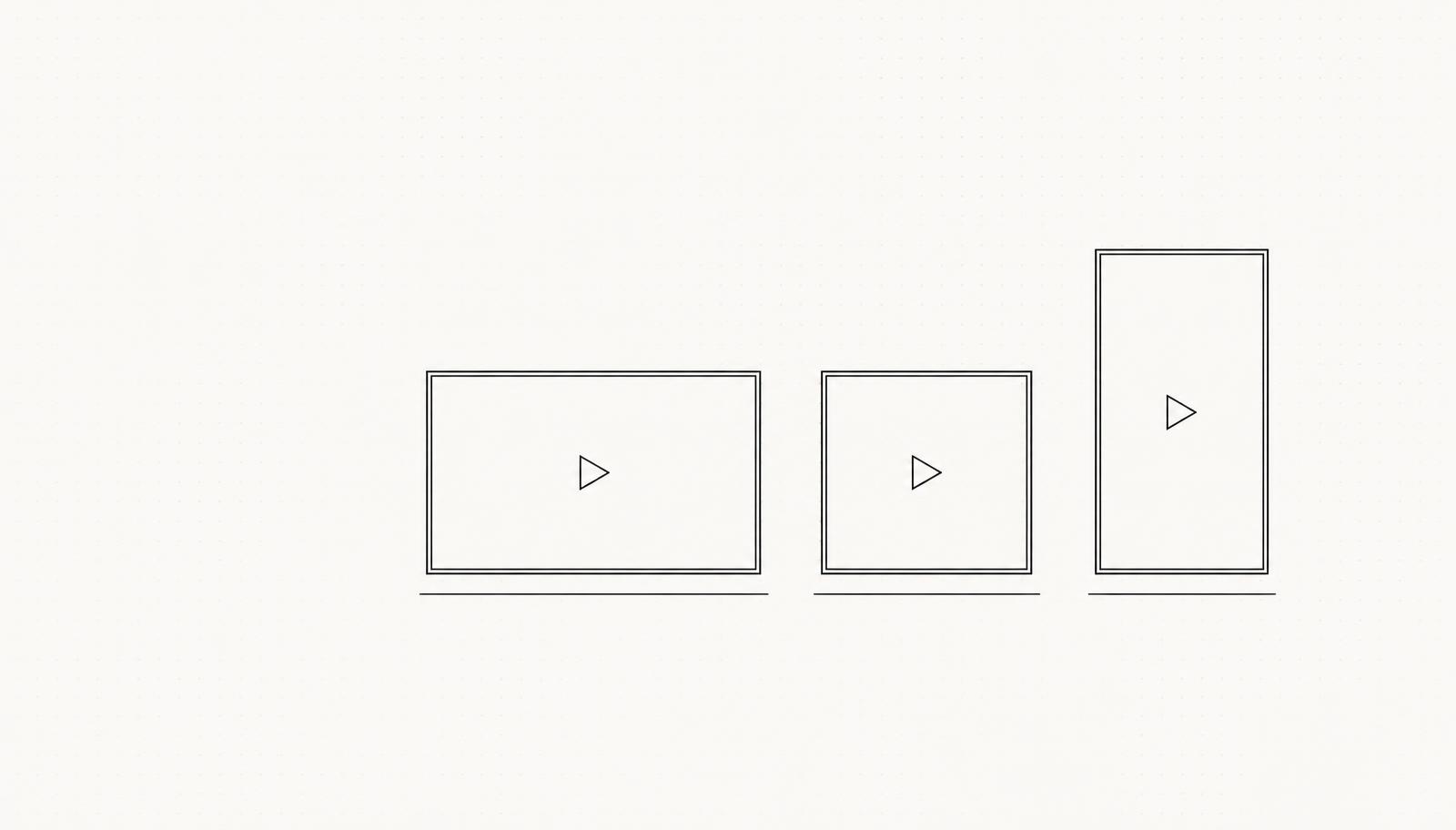
The right formats: 1:1, 4:5 or 9:16
| Format | Aspect ratio | Use |
|---|---|---|
| Square | 1:1 | Versatile feed format, maximum space without scrolling |
| Vertical | 4:5 | Largest feed area, ideal for people speaking to camera |
| Portrait | 9:16 | Short clips, teasers, behind the scenes |
| Widescreen | 16:9 | Only when no other version of the footage is available |
The right length: shorter than you think
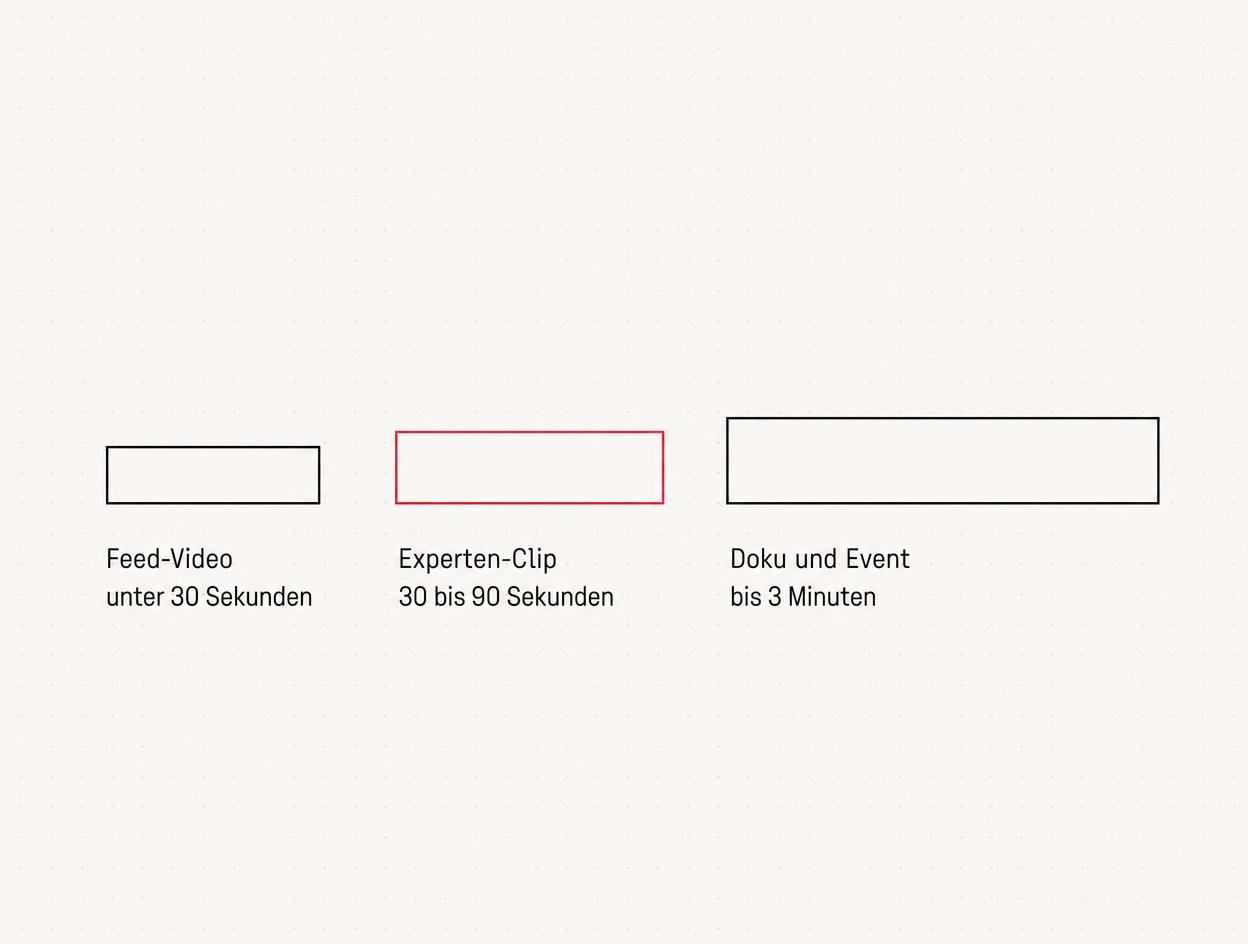
- Feed video under 30 seconds: One idea, one statement, one moment. Ideal for teasers, event highlights or quick tips.
- Expert clip of 30 to 90 seconds: One person answers one question. This format offers the best balance between production effort and impact.
- Documentary and event video up to 3 minutes: A recruitment story, project profile or event recap. Anything longer belongs on your website or YouTube, not in the feed.
Subtitles are essential, not an extra
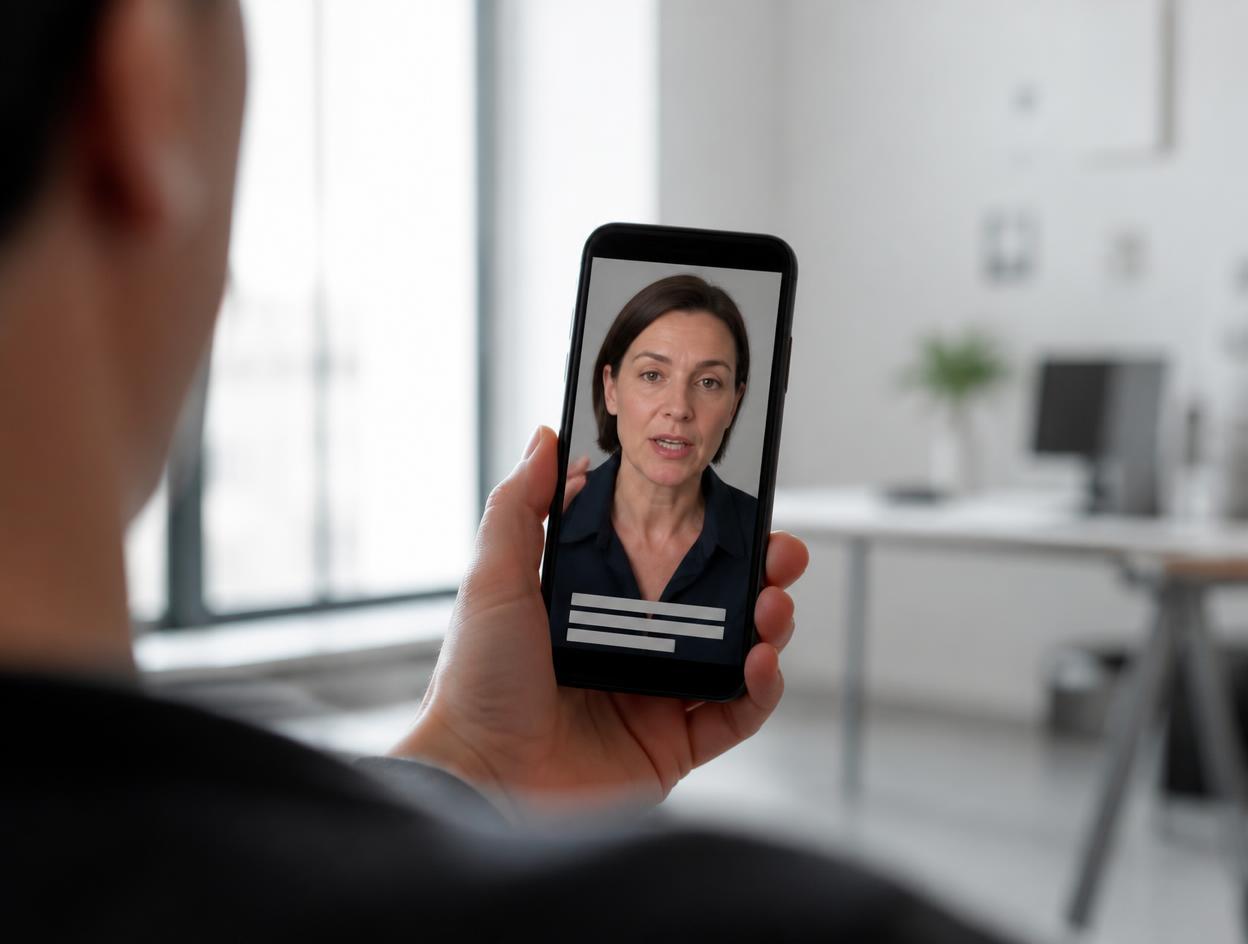
Hook first: the first three seconds
- The key message first: “Three out of four applications now come through video" beats any intro.
- The most compelling question: “Why do good people leave after two years?"
- The strongest visual moment: With event footage, put the most emotive shot first rather than following chronological order.
- A text hook in the post: The first line of the accompanying text is part of the hook. It appears above the “see more" cut-off.
On LinkedIn, you are not competing with other businesses, but with your audience's thumbs. That is why we edit every video so that the first three seconds work without sound or context.
Native upload instead of a YouTube link
- Upload the video file directly to the post rather than linking to it.
- Put the YouTube or website link in the comments or in the text after the main content.
- Personal profiles achieve more organic reach than company pages. Post through people, not logos.
- Consistency beats perfection: one to two videos a week over several months achieve more than one elaborate film a year.
One shoot day, eight weeks of content
- Collect questions: 10 to 15 questions that customers and applicants genuinely ask.
- Plan a half-day shoot: Two to three people, five questions per person, a quiet location and good lighting.
- Edit into clips: Each answer becomes a standalone video of 30 to 90 seconds, with subtitles and a hook.
- Fill your content calendar: One clip a week gives you three months of content from one shoot day.
Subtitles: the workflow that actually works
- Transcribe automatically in your editing software or with a transcription service. That takes care of 90 per cent.
- Correct technical terms and names. This is exactly where automation falls short, and these are precisely the words that matter.
- Split subtitles across two lines, with a maximum of 42 characters per line. Three lines obscure the image and get cut off by the controls on mobile.
- Safe area: keep the bottom 15 per cent and top 10 per cent of the image clear, as this is where interface elements sit.
- Burn them in rather than uploading an SRT. Burned-in subtitles display consistently everywhere, even if the video later ends up on Instagram or in a presentation.
- Check contrast. Use white text with a dark outline or a semi-transparent bar, never white on a light background.
One shoot day, an eight-week content calendar
| Week | Format | Content | Length |
|---|---|---|---|
| 1 | Expert clip | A clear position on an industry topic | 60 to 90 sec. |
| 2 | Quick answer | A direct answer to the most common customer question | 30 to 45 sec. |
| 3 | Behind the Scenes | How a project actually works | 45 sec. |
| 4 | Numbers clip | One result, one chart, one statement | 30 sec. |
| 5 | Team introduction | One person, one role, one sentence on their approach | 45 sec. |
| 6 | Myth-busting | What almost everyone in your industry gets wrong | 60 sec. |
| 7 | Customer testimonial | Their own words, not advertising copy | 45 sec. |
| 8 | Looking ahead | What you are currently working on | 30 sec. |
In practice: MAD About Brands
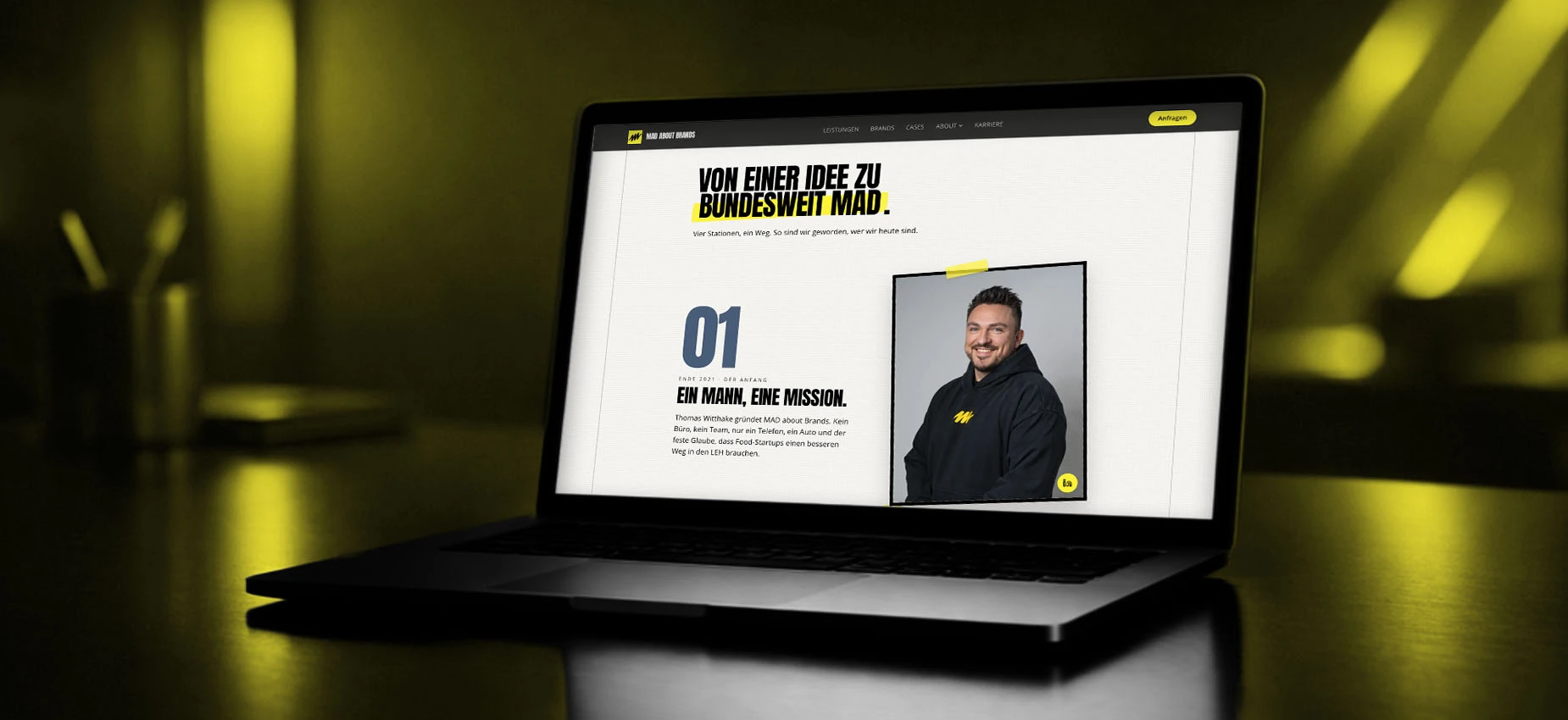
The most common mistake on LinkedIn is not poor quality, but inconsistency. A business that posts one clip a week for eight consecutive weeks beats any single polished video followed by six months of silence.
Which metrics actually tell you something
- Percentage watched. Over 50 per cent for a 60-second clip is good; anything below 25 per cent means the opening is not holding attention.
- Drop-off in the first three seconds. If this rises, the hook is almost always the issue, not the content.
- Comments and shares, not likes. They drive distribution beyond your own network.
- Profile views after the post. This is the metric most closely linked to enquiries.
The technical setup you need
- Sound: A lapel microphone or a directional microphone close to the speaker. Sound makes the difference between professional and improvised, not the camera.
- Lighting: A large window to one side, with the person facing slightly towards it. No window behind them.
- Image: A current camera or modern smartphone in portrait orientation, steady on a tripod at eye level.
- Background: The real workplace, tidy and with depth. Not a blank wall.
- Recording: Always shoot at the highest resolution and only switch to the target format when exporting. That way, you can still crop a 16:9 recording to 9:16.
How often to post, and what that realistically means
Personal profile or company page
- Expert clips are posted through the experts' personal profiles, with the company mentioned in the text.
- Company news, vacancies and project references are posted through the company page.
- The company page shares selected personal posts, not the other way round.
- Employees are invited, but never required, to take part. Forced participation is immediately visible on camera.
Conclusion
Frequently asked questions
Which format is best for LinkedIn videos?+
How long can a LinkedIn video be?+
Do LinkedIn videos need subtitles?+
YouTube link or native upload on LinkedIn?+
How much does a LinkedIn video cost for a business?+
How often should you post LinkedIn videos?+
Do LinkedIn videos work for small businesses too?+
What is the biggest mistake with LinkedIn videos?+
Sources
- LinkedIn: Video-Spezifikationen für organische Beiträge, LinkedIn Help (2026)
- LinkedIn: Best Practices für Video-Content, LinkedIn Marketing Solutions (2026)
Want to see our articles more often in Google's Top Stories? Add Maluure as a preferred source.
Add on Google
Josef leads the strategic and creative development of brands at Maluure. For over a decade, he has guided medium-sized businesses from brand positioning to digital delivery.
Managing Director of Maluure GmbH, Cologne. Specialising in corporate design, brand strategy and digital brand experiences.
Weiterlesen
Website for Electricians: The Right Jobs and New Skilled Staff
Service pages, service area, references and careers: how to build an electrician website that brings preferred jobs and applications.
Website for Hotels: More Direct Bookings, Less Commission
Rooms, booking widget, location and direct benefits: how to build a hotel website that brings guests back from platforms to your own site.
Website for Physiotherapy: More Appointments and Applications
Treatments, appointment requests, team and careers: how to build a physio website that convinces patients and therapists alike.
Explore more blog topics

Website for Restaurants & Hospitality: What Guests Really Look For
Menu, opening hours, reservations: how to build a restaurant website that convinces guests in seconds and gets found locally.
A Website for Dental Practices: What Really Matters in 2026
Which content a dental website needs, how local SEO brings inquiries, and what a practice website really costs.
Willi on the DNA Insider Podcast: Marketing Needs Clear Prices
Willi was a guest on the DNA Insider Podcast by the Deutscher Netzwerk Award. Eleven minutes on clear pricing, founding Maluure with his brother Josef, and why networking is no buzzword for us.