Using a corporate film on social media: twelve weeks of content from one shoot day
A corporate film is not a one-off asset, but a bank of source material. How to turn one shoot into formats for LinkedIn, Instagram, your website and sales, with an editing plan, content calendar and practical example.
Why a corporate film alone is not enough
One master, five formats
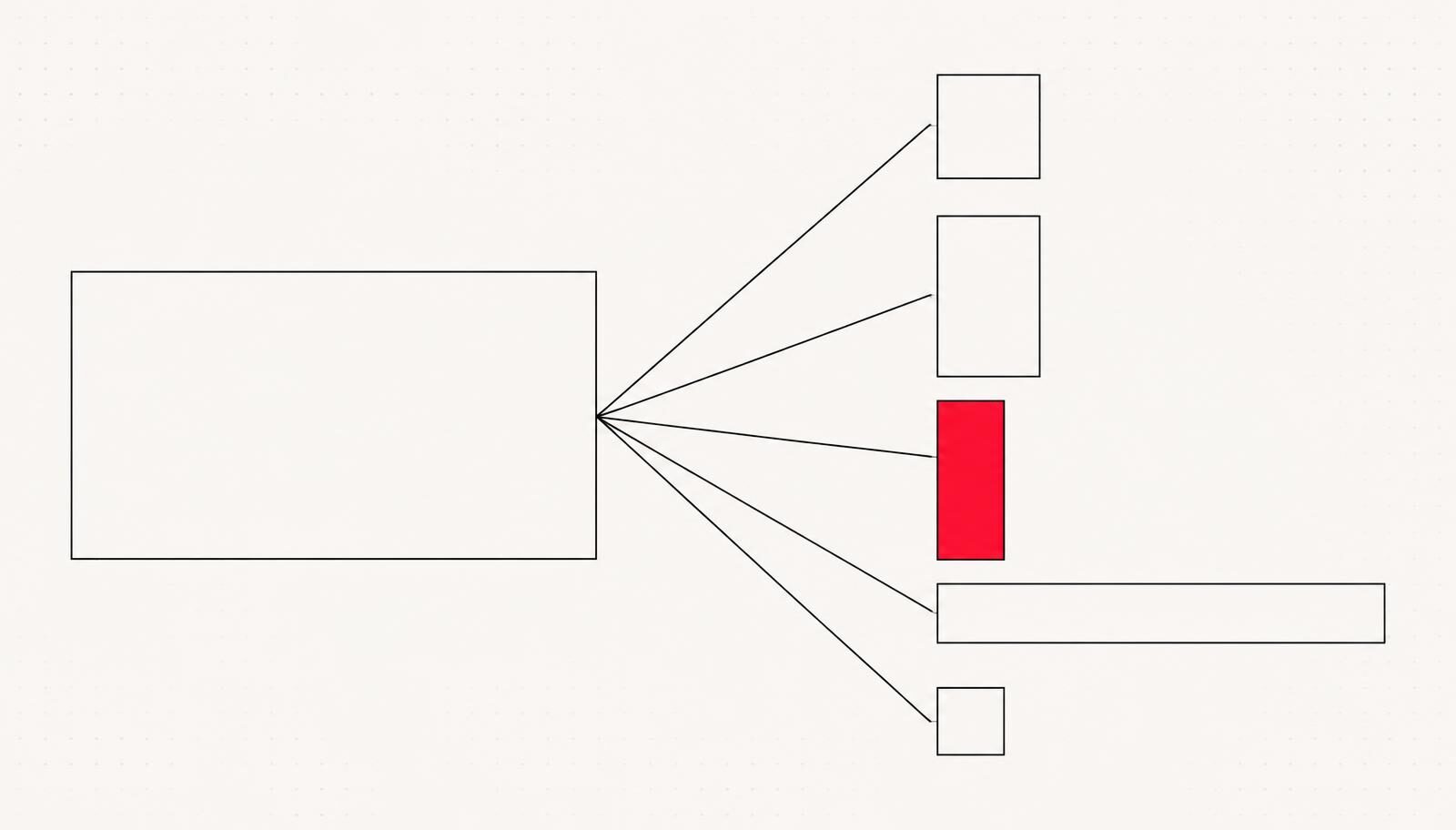
| Format | Aspect ratio | Length | Where it runs |
|---|---|---|---|
| Master | 16:9 | 60–120 Sek. | Website, trade fair, presentation |
| Feed cut | 1:1 or 4:5 | 30–45 Sek. | LinkedIn, Instagram feed |
| Story/Reel | 9:16 | 15–30 Sek. | Instagram, TikTok, LinkedIn mobile |
| Teaser | 16:9 | 6–10 Sek. | Ads, pre-roll, email signature |
| Statement | 1:1 | 20–40 Sek. | Sales, recruitment, newsletter |
The first three seconds
- A face, speaking. People stop for people. An employee speaking in the first second beats any wide shot.
- An unusual action. Something viewers cannot immediately identify buys you that extra half-second you need.
- A number or a contradiction. On screen, not spoken. The sound is off.
Where the film can work for you
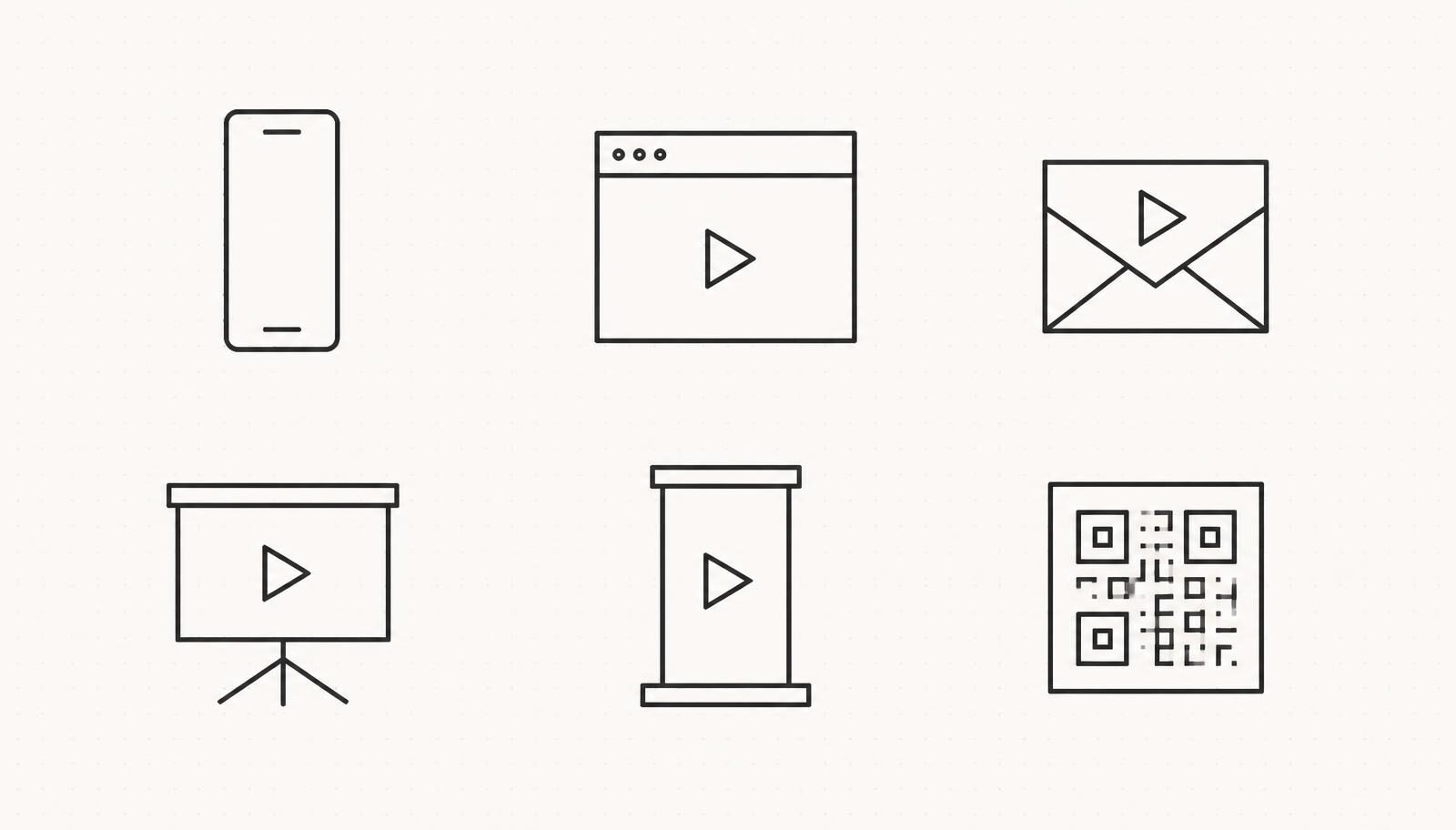
- Website: Master on the homepage, statement cuts on service pages
- LinkedIn: Feed cut at launch, then a statement every two weeks
- Recruitment: Statement cuts directly in the job advert, embedded rather than linked
- Sales: Teaser in the email signature and as a QR code in the proposal PDF
- Trade fair: Master on a silent loop, with burnt-in subtitles
- Internal communications: Raw footage compilation for onboarding
Practical example: MAD About Brands
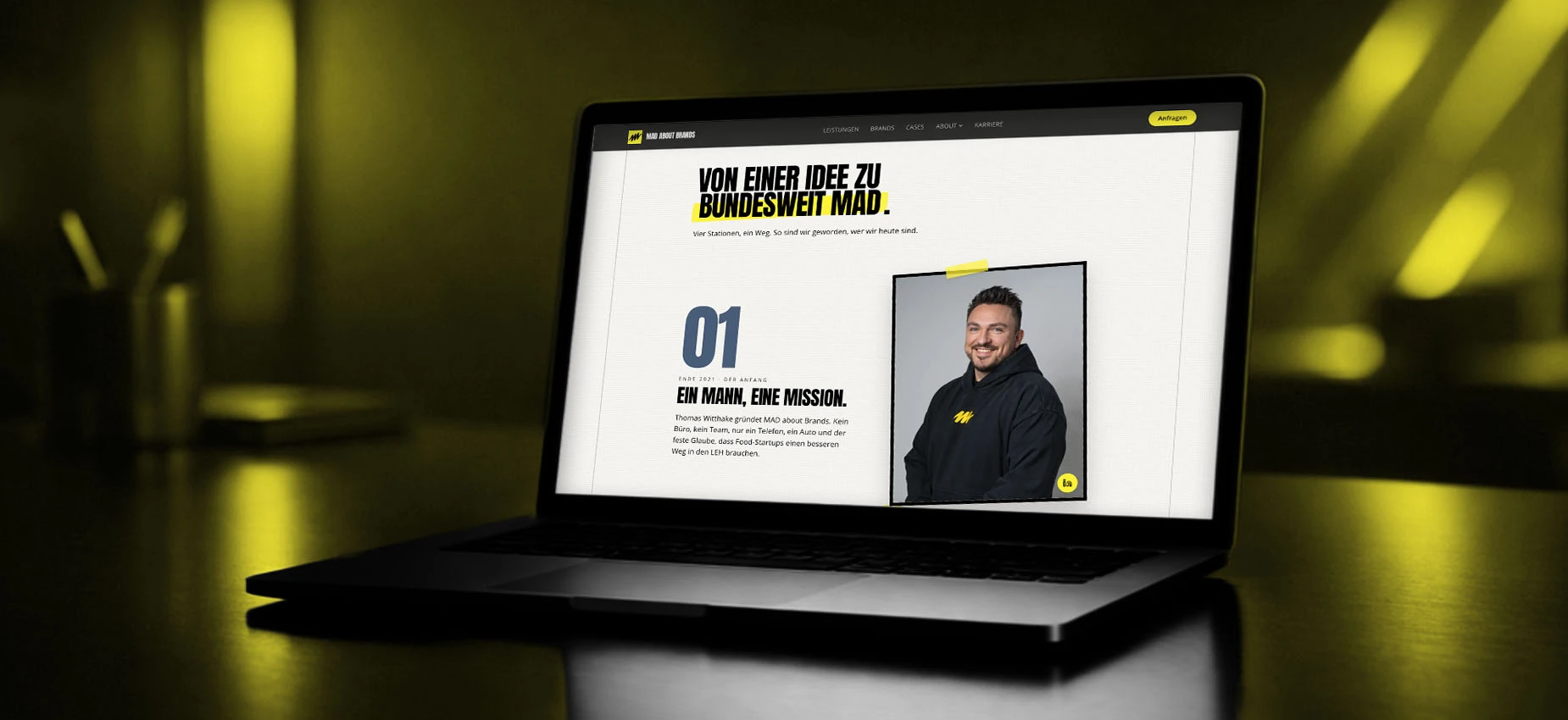
We plan the crop before the camera is set up. If you only realise during editing that someone's head is cut off in portrait, no software can save you. It costs nothing extra, just discipline on set.
Content calendar: twelve weeks from one shoot
| Week | Content | Format |
|---|---|---|
| 1 | Master for launch | 16:9, website and LinkedIn |
| 2 | Management statement | 1:1, 30 Sek. |
| 4 | Behind the scenes | 9:16, 20 Sek. |
| 6 | Department statement | 1:1, 30 Sek. |
| 8 | Product or process detail | 4:5, 25 Sek. |
| 10 | Recruitment statement | 9:16, 20 Sek. |
| 12 | Best-of recap | 16:9, 45 Sek. |
Five mistakes we see time and again
- The master is simply switched to portrait without re-editing. The result: cropped heads and unreadable graphics.
- No subtitles. The film plays silently and nobody understands it.
- The logo at the start. Three seconds of intro means three seconds of viewers dropping off.
- Posting everything on the same day. The posts compete with each other for reach.
- No access to raw footage. If you do not receive the raw files, you cannot create anything new from them in two years' time. This belongs in the contract.
What you should measure, and what you should not
- View-through rate at 50 per cent: How many people stay until halfway. Below 20 per cent, the opening is not working.
- Time spent on the page with the embedded film: The only metric that shows whether the film sustains buying interest.
- Follow-up questions in sales conversations: If prospects quote content from the film, it is working. This does not appear on any dashboard, but it is the best indicator.
Sales is the most honest measure of success. If a client mentions a scene from the film in the first meeting, the film has done its job. That beats any reach figure.
Content calendar: twelve weeks from one shoot day
| Week | Post 1 | Post 2 |
|---|---|---|
| 1 to 2 | Main film, 60 Sek. feed version | 15 Sek. teaser with key message |
| 3 to 4 | Management soundbite on positioning | Silent production detail shot, with text |
| 5 to 6 | Process clip “How we make …" | Employee perspective on day-to-day work |
| 7 to 8 | Customer benefits in 30 Sek. | Behind the scenes from the shoot day |
| 9 to 10 | Facts and figures as a text-over-image clip | Second soundbite, different perspective |
| 11 to 12 | 45 Sek. best-of edit | Call to action with a specific offer |
Platforms need different versions
- LinkedIn: 1:1 or 4:5, 30 to 90 seconds, factual opening, subtitles essential, key message in the first three seconds
- Instagram Reels: 9:16, 15 to 45 seconds, fast cuts, movement in the first frame
- YouTube: 16:9, long version, a meaningful title and thumbnail matter more than the film itself
- Website: 16:9, main film without autoplay sound, plus a static thumbnail for fast loading
- Job adverts and newsletters: Short version under 30 seconds plus an animated thumbnail
What it all costs when planned in advance
Conclusion
Frequently asked questions
How many formats should I create from a corporate film?+
Can an existing corporate film be cropped for social media afterwards?+
What does it cost to create additional formats?+
Do I really need subtitles for social media?+
How long should a corporate film on LinkedIn be?+
How often should I post clips from one shoot?+
Who owns the raw footage after production?+
Is a dedicated shoot just for social media worthwhile?+
Sources
- Video Best Practices für Unternehmensseiten, LinkedIn
- Video Usability, Nielsen Norman Group
Want to see our articles more often in Google's Top Stories? Add Maluure as a preferred source.
Add on Google
Josef leads the strategic and creative development of brands at Maluure. For over a decade, he has guided medium-sized businesses from brand positioning to digital delivery.
Managing Director of Maluure GmbH, Cologne. Specialising in corporate design, brand strategy and digital brand experiences.
Weiterlesen
Website for Electricians: The Right Jobs and New Skilled Staff
Service pages, service area, references and careers: how to build an electrician website that brings preferred jobs and applications.
Website for Hotels: More Direct Bookings, Less Commission
Rooms, booking widget, location and direct benefits: how to build a hotel website that brings guests back from platforms to your own site.
Website for Physiotherapy: More Appointments and Applications
Treatments, appointment requests, team and careers: how to build a physio website that convinces patients and therapists alike.
Explore more blog topics

Website for Restaurants & Hospitality: What Guests Really Look For
Menu, opening hours, reservations: how to build a restaurant website that convinces guests in seconds and gets found locally.
A Website for Dental Practices: What Really Matters in 2026
Which content a dental website needs, how local SEO brings inquiries, and what a practice website really costs.
Willi on the DNA Insider Podcast: Marketing Needs Clear Prices
Willi was a guest on the DNA Insider Podcast by the Deutscher Netzwerk Award. Eleven minutes on clear pricing, founding Maluure with his brother Josef, and why networking is no buzzword for us.