How much does a Webflow website cost? Pricing and budgeting
Webflow licence, agency fees, ongoing costs: what makes up the price of a Webflow website, which ranges are realistic and what drives the price up.
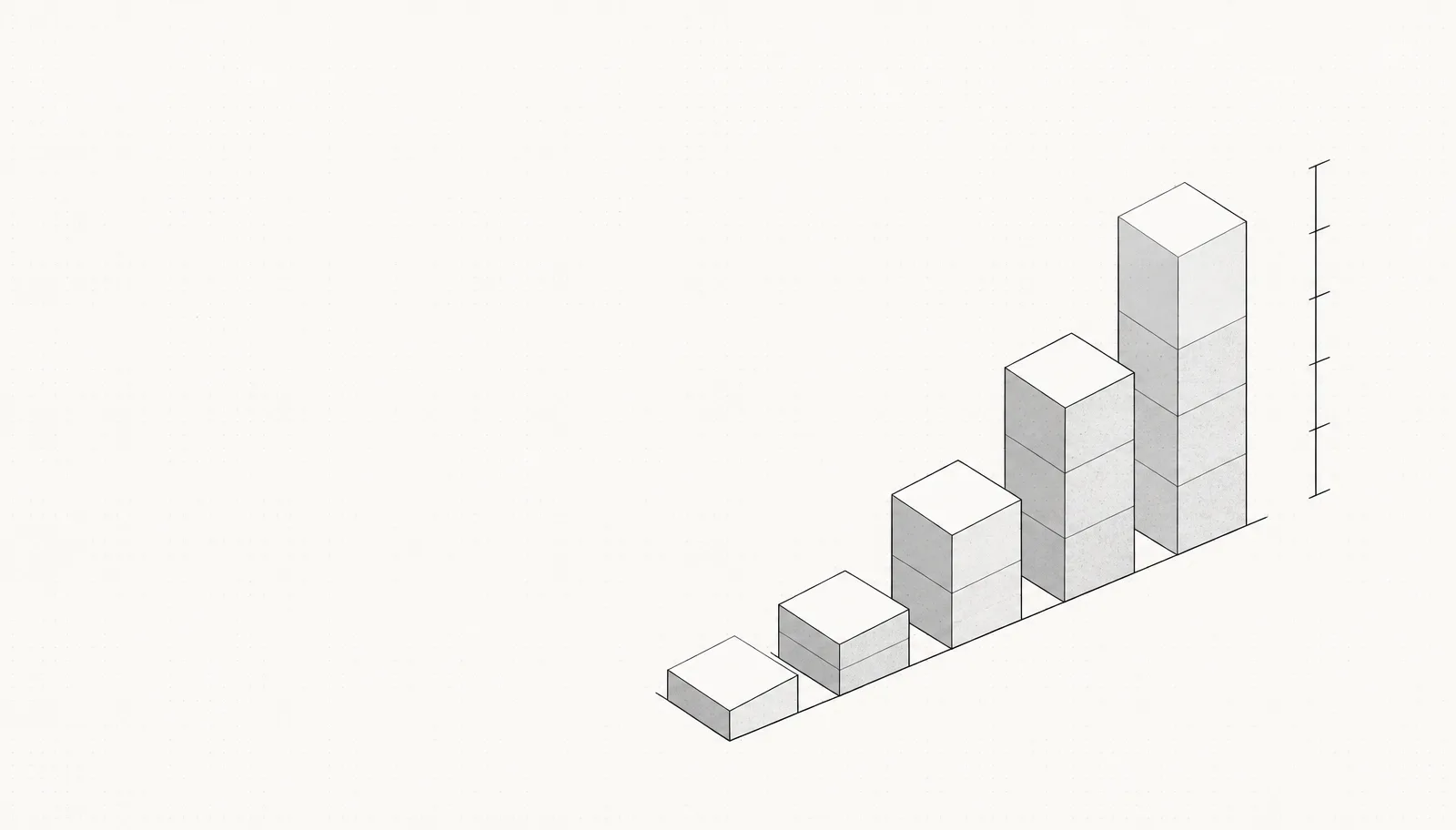
The two cost categories: licence and agency services
| Category | What's included | Typical cost |
|---|---|---|
| Webflow licence (Site plan) | Hosting, CDN, SSL, forms, basic traffic allowance | approx. 14–39 € / month |
| Webflow CMS / Business | Editorial content, more traffic, more CMS items | approx. 23–39 € / month |
| Workspace seats | Only needed if your team works in the Designer | from approx. 19 € / month |
| Agency services | Concept, structure, design, implementation, content editing, QA | 2.500 – 25.000 €+ one-off |
| Maintenance and ongoing development | Updates, new sections, monitoring, reporting | 150 – 900 € / month |
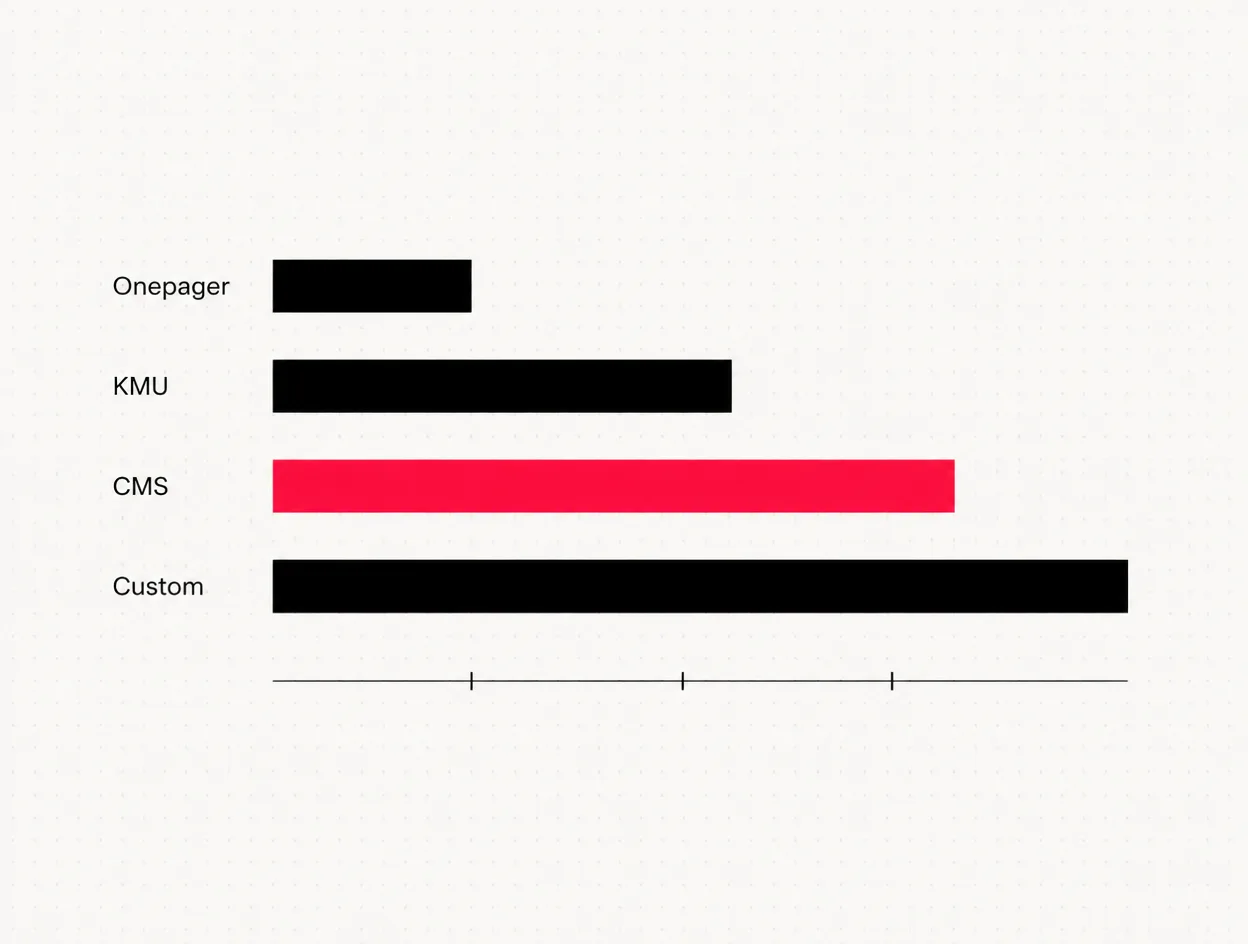
Realistic price ranges by project size
| Project type | Scope | Price range |
|---|---|---|
| Focused one-page website | 1 page, clear conversion goal, no CMS | 2.500 – 5.000 € |
| SME website | 5–10 pages, services, contact, client projects | 6.000 – 12.000 € |
| CMS website | 10–20 pages plus blog, case studies, jobs, filtering logic | 12.000 – 20.000 € |
| Custom project | Multilingual, complex interactions, integrations | from 20.000 € |
The most expensive part of a website is never the technology, but establishing clarity beforehand. If you know what your site needs to achieve, you will pay noticeably less in Webflow than someone who wants to work that out during the build.
What drives the price up
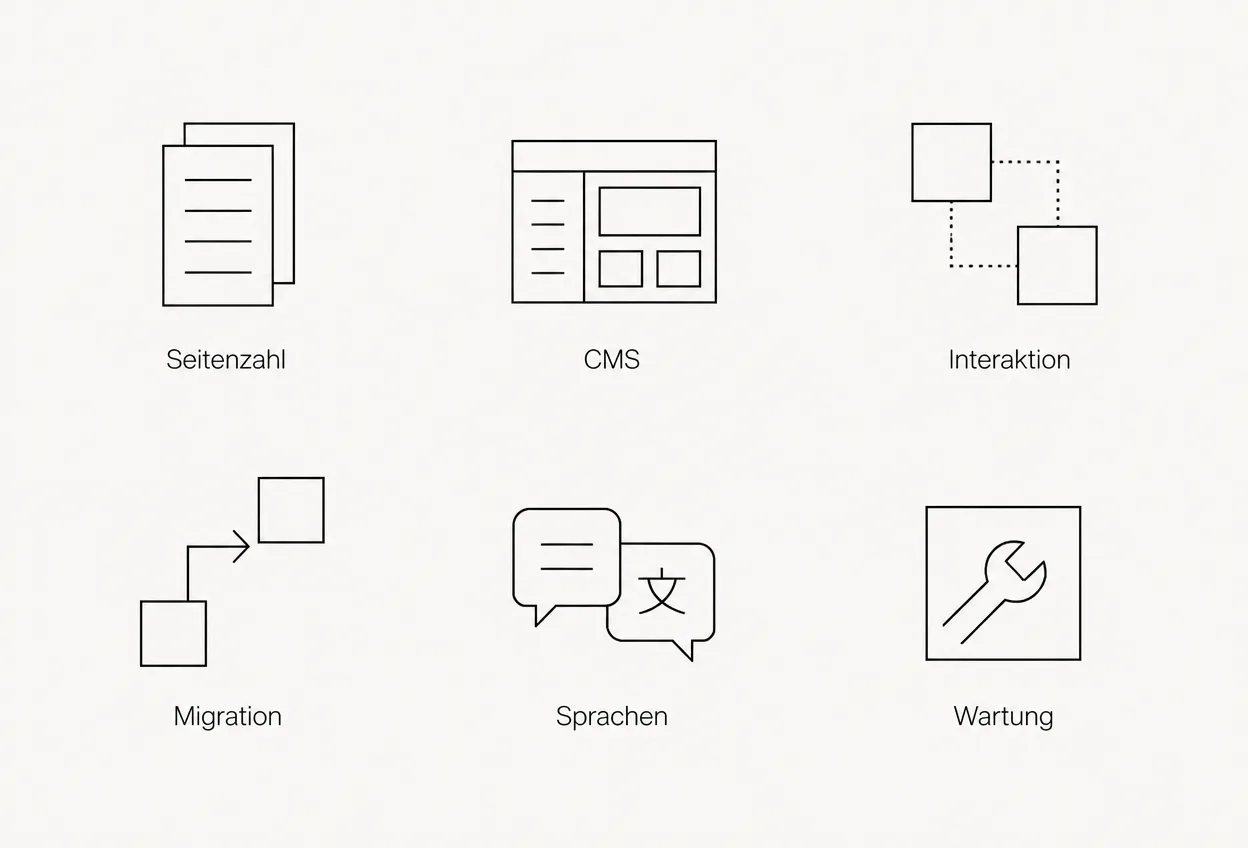
- CMS complexity. A blog with one Collection is quick to build. Once case studies, jobs, locations and people are linked and need to be filtered, the work increases significantly. Every reference between two Collections means additional templates and additional testing.
- Custom interactions. Scroll-driven animations, sticky sequences and 3D elements are possible in Webflow, but take time to fine-tune and optimise for performance. As a rough guide: a complex hero animation costs 1.500 to 4.000 €.
- Migration from a legacy system. Existing content can be imported into Webflow Collections via CSV, but rarely without further work. A redirect strategy, URL mapping and image preparation can easily add up to 1.000 to 3.000 € for medium-sized existing sites. Cutting corners here costs you rankings.
- Multilingual content. Webflow Localization is a paid add-on and almost doubles the editorial and testing work.
- Accessibility. Contrast, focus states and keyboard navigation belong in the concept, not in remedial work. Otherwise, they become more expensive later.
- Data quality. Missing copy and images are the most common reason projects take longer and go over budget.
Budget realistically for ongoing costs
- CMS Site plan: around 276 € per year when billed annually
- Domain and email: 30 to 120 € per year
- Optional tools such as a form backend, analytics or search: 0 to 400 € per year
- Support: 150 to 900 € per month, depending on whether it covers monitoring alone or active development
Real-world example: Hoenen Leasing GmbH

How to budget for your own project
Is Webflow worth it for your budget?
Frequently asked questions
How much does a Webflow website cost in total?+
How much does Webflow itself cost per month?+
Is Webflow more expensive than WordPress?+
Why do Webflow prices vary so much?+
How much does it cost to migrate an existing website to Webflow?+
What ongoing costs are there after launch?+
Can I manage content in Webflow myself?+
At what budget is Webflow not worthwhile?+
Want to see our articles more often in Google's Top Stories? Add Maluure as a preferred source.
Add on Google
Josef leads the strategic and creative development of brands at Maluure. For over a decade, he has guided medium-sized businesses from brand positioning to digital delivery.
Managing Director of Maluure GmbH, Cologne. Specialising in corporate design, brand strategy and digital brand experiences.
Weiterlesen
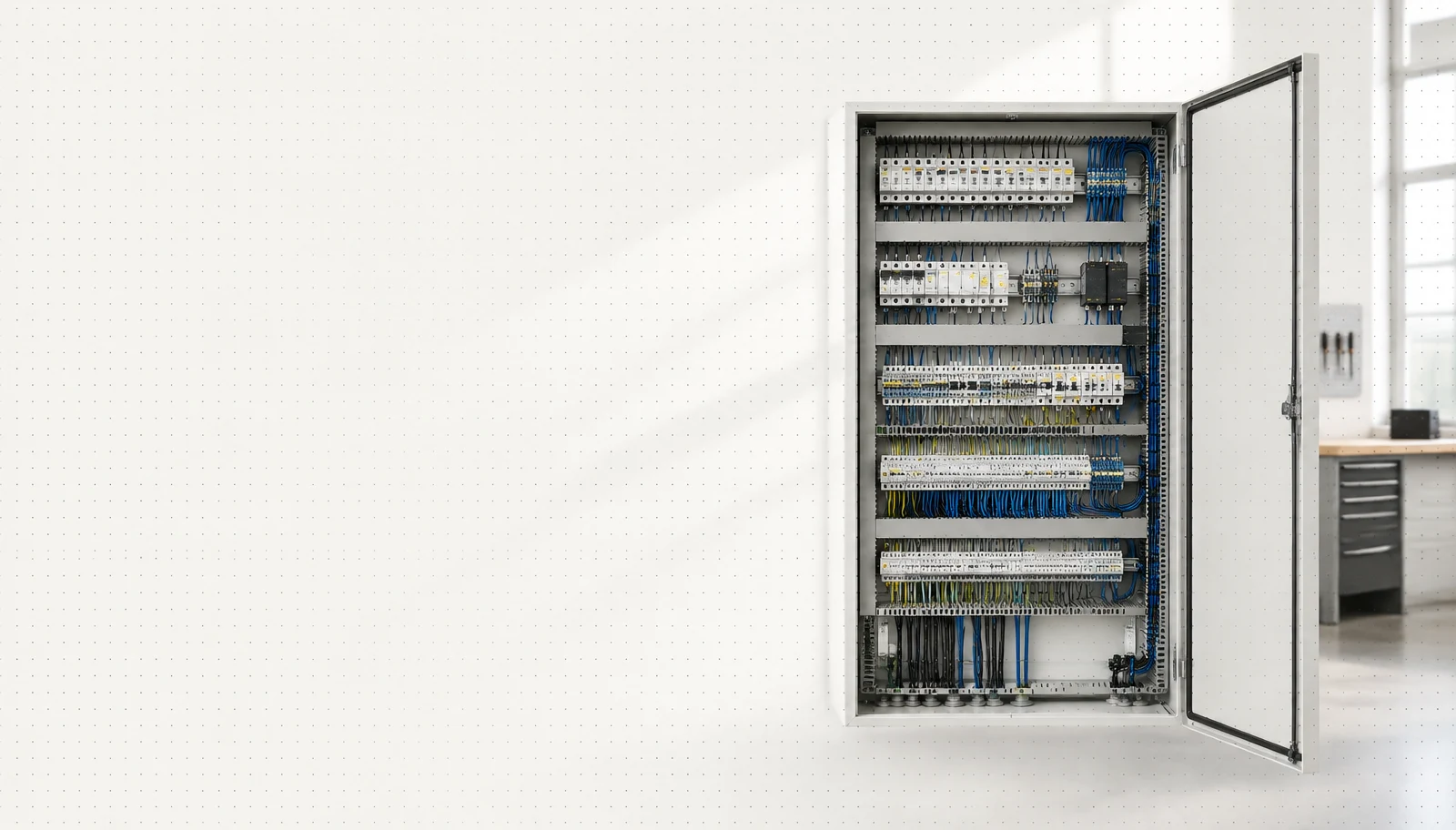
Website for Electricians: The Right Jobs and New Skilled Staff
Service pages, service area, references and careers: how to build an electrician website that brings preferred jobs and applications.

Website for Hotels: More Direct Bookings, Less Commission
Rooms, booking widget, location and direct benefits: how to build a hotel website that brings guests back from platforms to your own site.

Website for Physiotherapy: More Appointments and Applications
Treatments, appointment requests, team and careers: how to build a physio website that convinces patients and therapists alike.
Explore more blog topics

Website for Restaurants & Hospitality: What Guests Really Look For
Menu, opening hours, reservations: how to build a restaurant website that convinces guests in seconds and gets found locally.

A Website for Dental Practices: What Really Matters in 2026
Which content a dental website needs, how local SEO brings inquiries, and what a practice website really costs.

Willi on the DNA Insider Podcast: Marketing Needs Clear Prices
Willi was a guest on the DNA Insider Podcast by the Deutscher Netzwerk Award. Eleven minutes on clear pricing, founding Maluure with his brother Josef, and why networking is no buzzword for us.