What is Webflow? Advantages and disadvantages for businesses
Webflow explained: how the visual editor works, which businesses the platform suits and where its limitations lie.

What is Webflow?
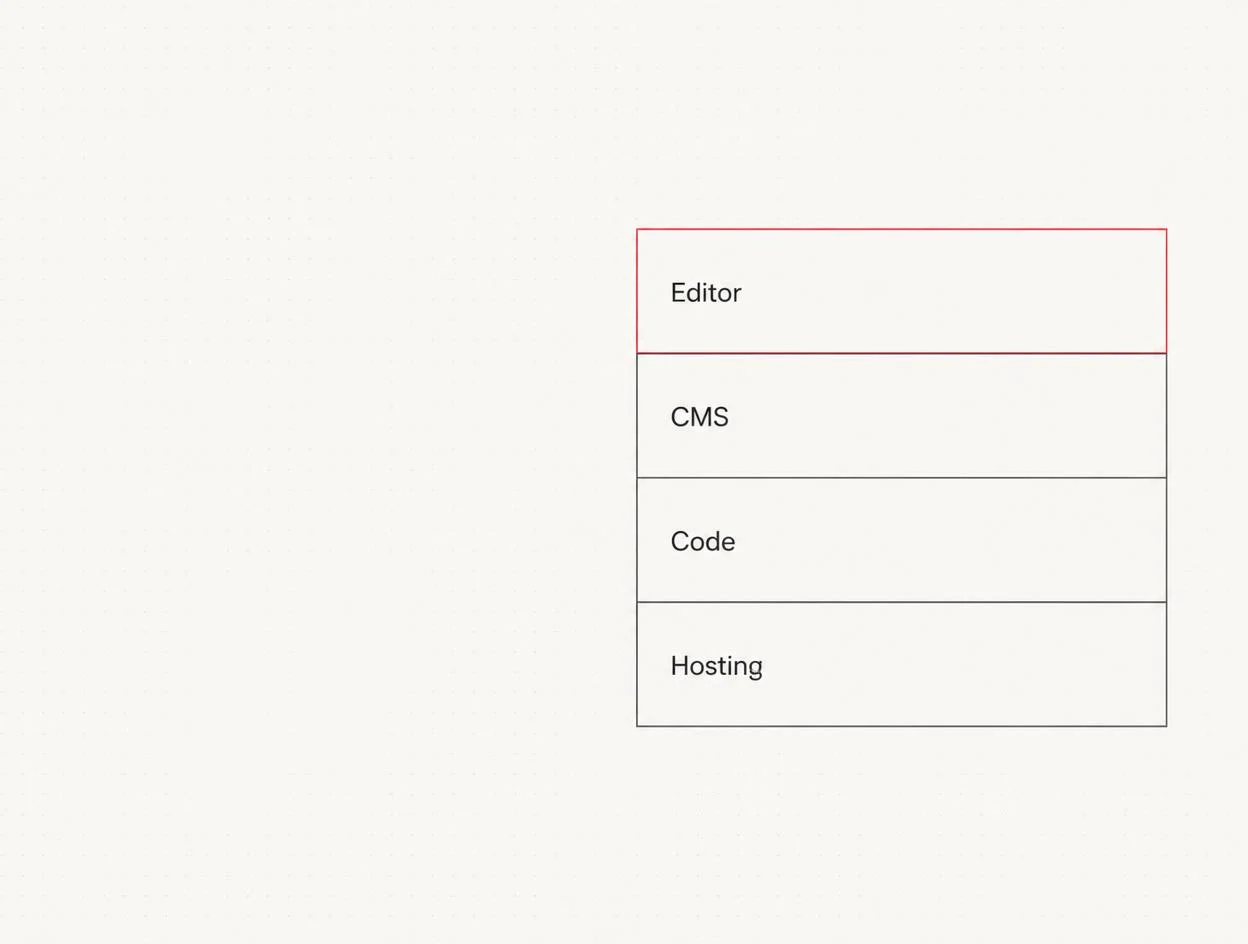
How Webflow works
- Designer – the visual editor. This is where layouts are built using actual CSS concepts: Flexbox, Grid, classes and breakpoints. Anyone who understands HTML and CSS will recognise every element.
- CMS – structured content types with custom fields, for example for news, case studies or job listings. Editors manage content without being able to alter the layout.
- Code output – Webflow generates semantic markup. This matters for accessibility and search engines because content sits directly in the HTML.
- Hosting – delivery via a global CDN, including SSL, backups and versioning. There are no updates or server maintenance to handle.
Who Webflow suits – and who it does not
| A good fit | Less suitable |
|---|---|
| Businesses with regular content updates (news, case studies, jobs) | Projects with complex custom features such as configurators or portals |
| High design standards, with a bespoke visual identity rather than a template | Very large online shops with extensive inventory management integrations |
| Small teams without in-house IT that want to outsource maintenance | Applications with user accounts and permissions management |
| Marketing websites and landing pages that need to go live quickly | Setups with strict on-premise or hosting requirements |
Advantages
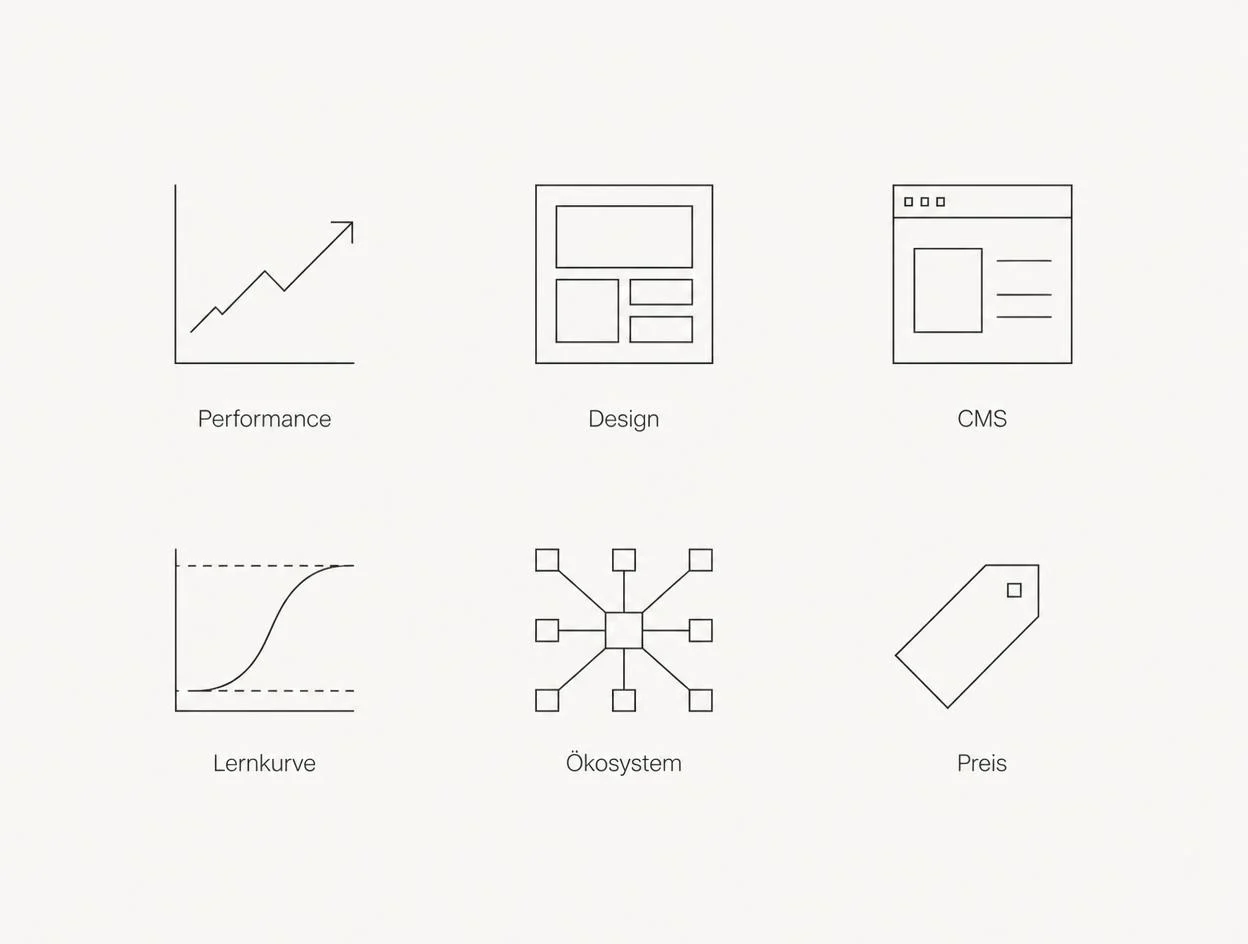
- Performance out of the box. No plugin bloat, lean output and CDN delivery. This helps with Core Web Vitals and, indirectly, search rankings.
- Design freedom. Layouts are not forced into a template. A visual identity can be implemented 1:1, including typographic scales and interactions.
- No plugin dependency. Less third-party code means a smaller attack surface and fewer update conflicts.
- Clear separation of roles. Editors work on content in the editor without being able to break the layout.
- Low maintenance. Security updates and server operations are handled by the platform, not by you.
Disadvantages and limitations
- Learning curve for editors. The editor is simple, but the back-end logic of Collections is unfamiliar. Without proper training, content updates get neglected.
- Smaller ecosystem. WordPress has an extension for almost every special requirement. Webflow more often requires custom integrations or external services.
- Pricing model. There are recurring costs for the Site plan and CMS seats. With several editors, these add up, although separate hosting and maintenance costs no longer apply.
- Platform dependency. Exporting is possible, but without CMS content. Moving to another platform later takes work, not just a click.
- Limits to complex logic. Anything beyond forms, filters and CMS lists requires additional services.
We do not recommend Webflow because it sounds modern, but when a team wants to manage its own content while still needing a design without compromises. If a project is really an application, we say so openly and build it differently.
Practical example: NSB Polymers

Who benefits from working with a Webflow agency
Frequently asked questions
What is Webflow in simple terms?+
Is Webflow a website builder like Wix?+
How much does Webflow cost for businesses?+
Is Webflow good for SEO?+
Can staff manage content themselves?+
What are Webflow's disadvantages?+
Which businesses is Webflow not suitable for?+
Can you migrate from WordPress to Webflow?+
Want to see our articles more often in Google's Top Stories? Add Maluure as a preferred source.
Add on Google
Josef leads the strategic and creative development of brands at Maluure. For over a decade, he has guided medium-sized businesses from brand positioning to digital delivery.
Managing Director of Maluure GmbH, Cologne. Specialising in corporate design, brand strategy and digital brand experiences.
Weiterlesen

Website for Electricians: The Right Jobs and New Skilled Staff
Service pages, service area, references and careers: how to build an electrician website that brings preferred jobs and applications.

Website for Hotels: More Direct Bookings, Less Commission
Rooms, booking widget, location and direct benefits: how to build a hotel website that brings guests back from platforms to your own site.

Website for Physiotherapy: More Appointments and Applications
Treatments, appointment requests, team and careers: how to build a physio website that convinces patients and therapists alike.
Explore more blog topics

Website for Restaurants & Hospitality: What Guests Really Look For
Menu, opening hours, reservations: how to build a restaurant website that convinces guests in seconds and gets found locally.

A Website for Dental Practices: What Really Matters in 2026
Which content a dental website needs, how local SEO brings inquiries, and what a practice website really costs.

Willi on the DNA Insider Podcast: Marketing Needs Clear Prices
Willi was a guest on the DNA Insider Podcast by the Deutscher Netzwerk Award. Eleven minutes on clear pricing, founding Maluure with his brother Josef, and why networking is no buzzword for us.