Webflow developers: how to recognise genuine expertise
Portfolio, CMS experience, custom code and maintenance: six criteria and the key red flags to help you properly assess a Webflow developer or agency.

Why your choice of Webflow developer determines the project's success
Freelancer or agency: an honest comparison
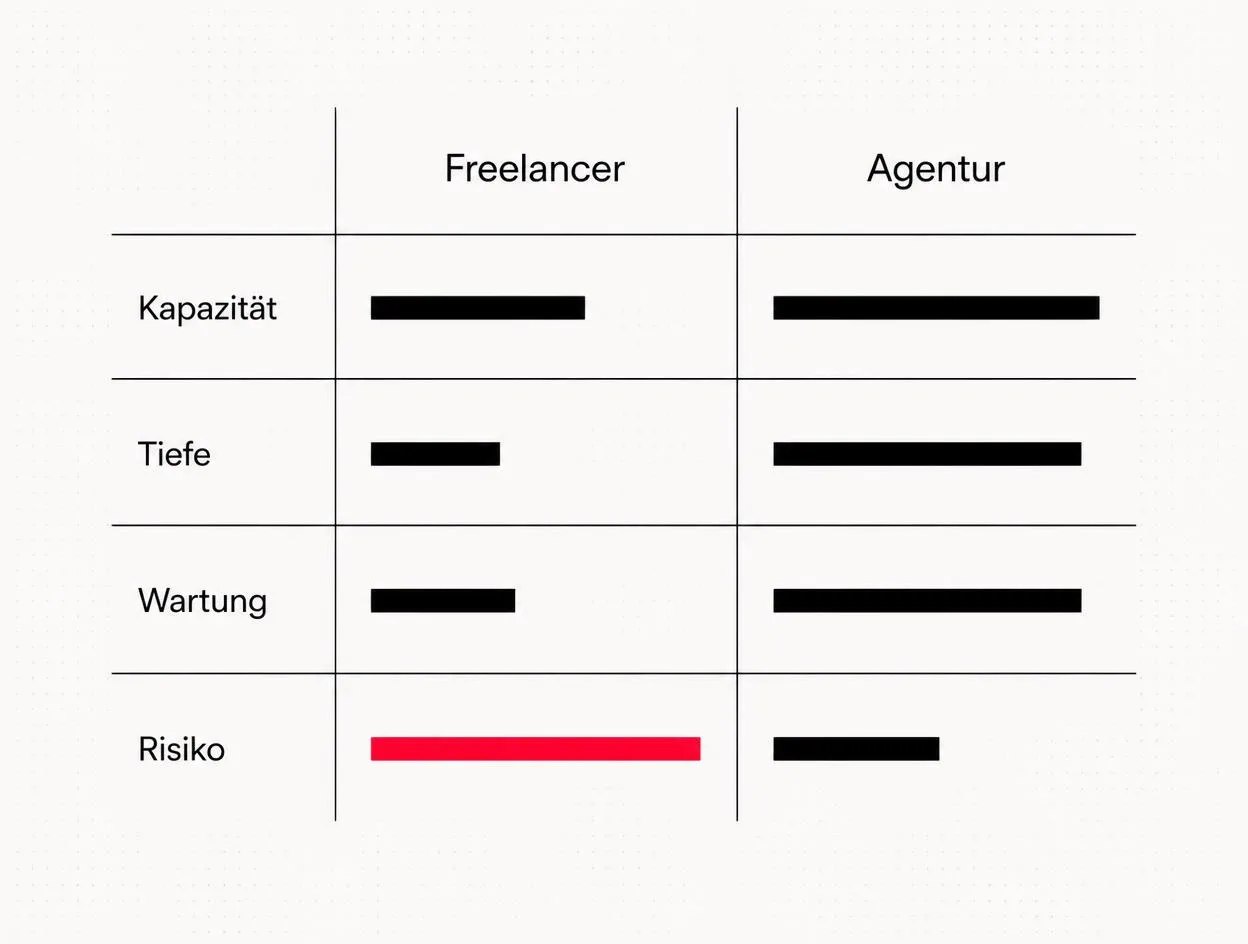
| Criterion | Freelancer | Agency |
|---|---|---|
| Project size | One-page sites to small company websites | CMS projects, migrations, multilingual sites |
| Disciplines | usually one core skill (design or build) | Strategy, design, build, SEO, content in one team |
| Response time | depends on workload and holidays | team cover available, fixed SLA possible |
| Costs | lower day rate | higher day rate, less coordination overhead |
| Continuity risk | high (single point of failure) | low |
| Ongoing operation | often not included in the proposal | maintenance and ongoing development can be planned |
Criterion 1: a portfolio of real Webflow projects
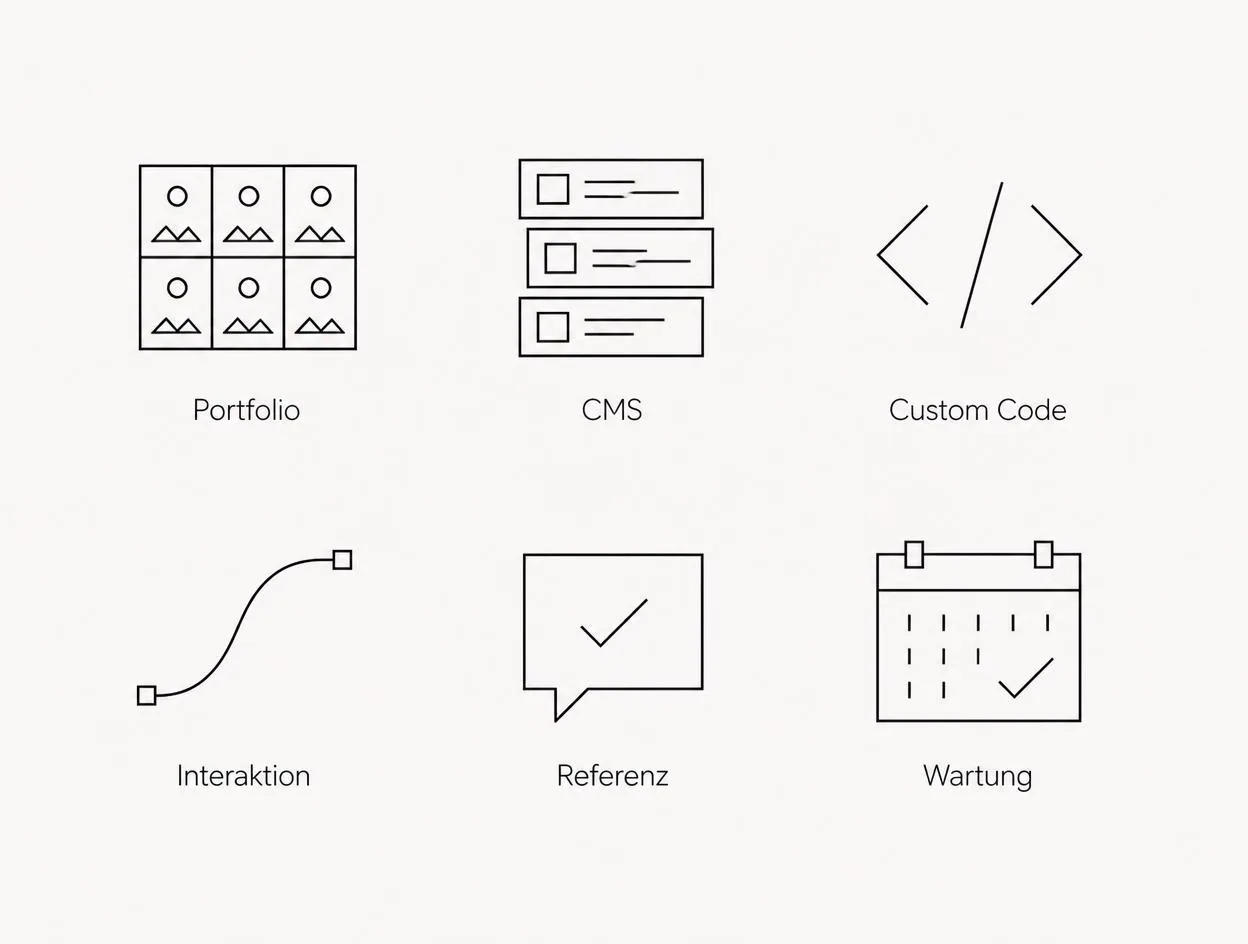
webflow.js, and the class structure from the Designer appears in the page source. Check three things:- Are the projects still online and actively maintained?
- Are the sites distinct, or do they look like the same template in three colours?
- Is there at least one project of a similar scale to yours?
Criterion 2: CMS experience, not just design
- How are Collections modelled when content is reused (e.g. author, category, location)?
- How are the CMS limits accounted for – Webflow allows a limited number of Collections and fields per site?
- What does the editorial interface look like? Can someone create a post without knowing how to use the Designer?
Criterion 3: custom code and Finsweet
- Knowledge of Finsweet Attributes (CMS Load, CMS Filter, CMS Nest)
- custom JavaScript in the page or site custom code, version-controlled and documented
- understanding of the performance implications: every script adds to loading time
The best answer to a question about custom code is not “of course, anything is possible”. It is: “We'll use native features for that, because someone will still need to maintain it in two years.” Anyone who immediately suggests a script has often not looked for the simpler solution.
Criterion 4: interactions in moderation
Criterion 5: verifiable references
Criterion 6: ongoing operation after launch
- Who owns the Webflow Workspace, and who pays for the hosting plan?
- How are change requests handled – an allocation of hours, a flat fee or ad hoc requests?
- Who regularly checks forms, redirects and loading times?
Red flags: how to spot a lack of expertise
| Red flag | Why it is a problem |
|---|---|
| Template customisation with no underlying plan | Structure and content do not fit your business, and disorganised classes remain |
| No questions about goals or target audience | Design becomes a matter of taste rather than informed decisions |
| No maintenance included in the proposal | You are on your own after launch, and every small change becomes a separate job |
| The provider retains access credentials | You cannot access your own site |
| No explanation of SEO fundamentals | Redirects, metadata and structure get overlooked during the relaunch |
| Fixed price without a defined scope | Additional charges and disputes are inevitable |
Practical example: Chaerry GmbH

When an agency is the better choice
Frequently asked questions
What does a Webflow developer do?+
How do I recognise a good Webflow developer?+
Freelancer or agency for Webflow?+
How much does a Webflow developer cost?+
What are Finsweet Attributes, and why do they matter?+
Which red flags should I look out for when choosing a Webflow provider?+
Do I still need a Webflow developer after launch?+
Who owns the Webflow project once it is built?+
Want to see our articles more often in Google's Top Stories? Add Maluure as a preferred source.
Add on Google
Josef leads the strategic and creative development of brands at Maluure. For over a decade, he has guided medium-sized businesses from brand positioning to digital delivery.
Managing Director of Maluure GmbH, Cologne. Specialising in corporate design, brand strategy and digital brand experiences.
Weiterlesen

Website for Electricians: The Right Jobs and New Skilled Staff
Service pages, service area, references and careers: how to build an electrician website that brings preferred jobs and applications.

Website for Hotels: More Direct Bookings, Less Commission
Rooms, booking widget, location and direct benefits: how to build a hotel website that brings guests back from platforms to your own site.

Website for Physiotherapy: More Appointments and Applications
Treatments, appointment requests, team and careers: how to build a physio website that convinces patients and therapists alike.
Explore more blog topics

Website for Restaurants & Hospitality: What Guests Really Look For
Menu, opening hours, reservations: how to build a restaurant website that convinces guests in seconds and gets found locally.

A Website for Dental Practices: What Really Matters in 2026
Which content a dental website needs, how local SEO brings inquiries, and what a practice website really costs.

Willi on the DNA Insider Podcast: Marketing Needs Clear Prices
Willi was a guest on the DNA Insider Podcast by the Deutscher Netzwerk Award. Eleven minutes on clear pricing, founding Maluure with his brother Josef, and why networking is no buzzword for us.