TYPO3 Relaunch: Process, Pitfalls and Checklist
A TYPO3 relaunch is more than a new design. How to plan content, migration and redirects so rankings and editors come through the switch well.
When a TYPO3 Relaunch Makes Sense
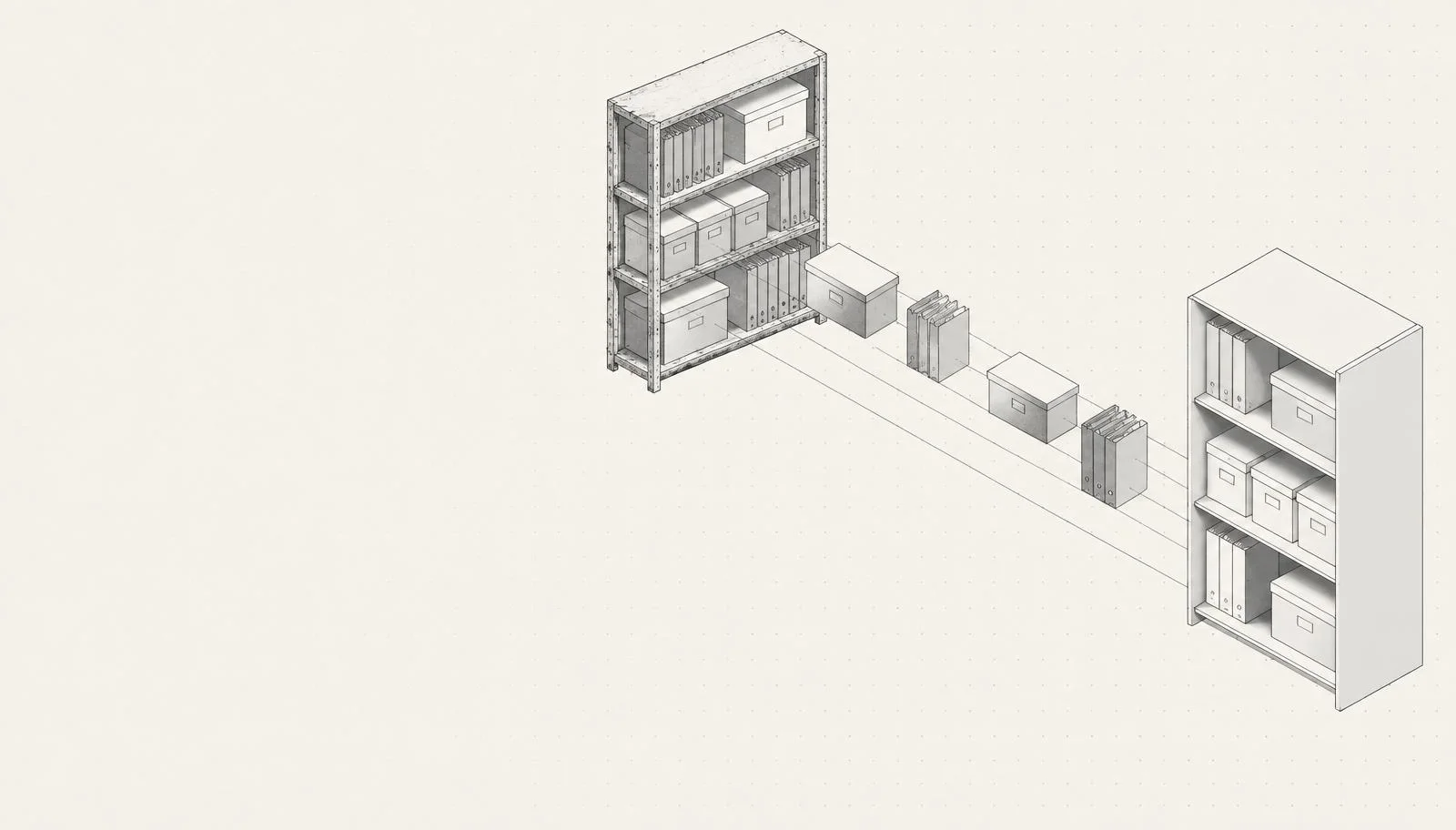
- The site runs on TYPO3 11 or older and has many custom extensions. The upgrade effort approaches a rebuild.
- Design and brand presence no longer fit the company.
- Editors work with workarounds because content elements are missing or the structure grew instead of being planned.
- The site is slow, not accessible, or hard to use on mobile.
The Process in Six Steps
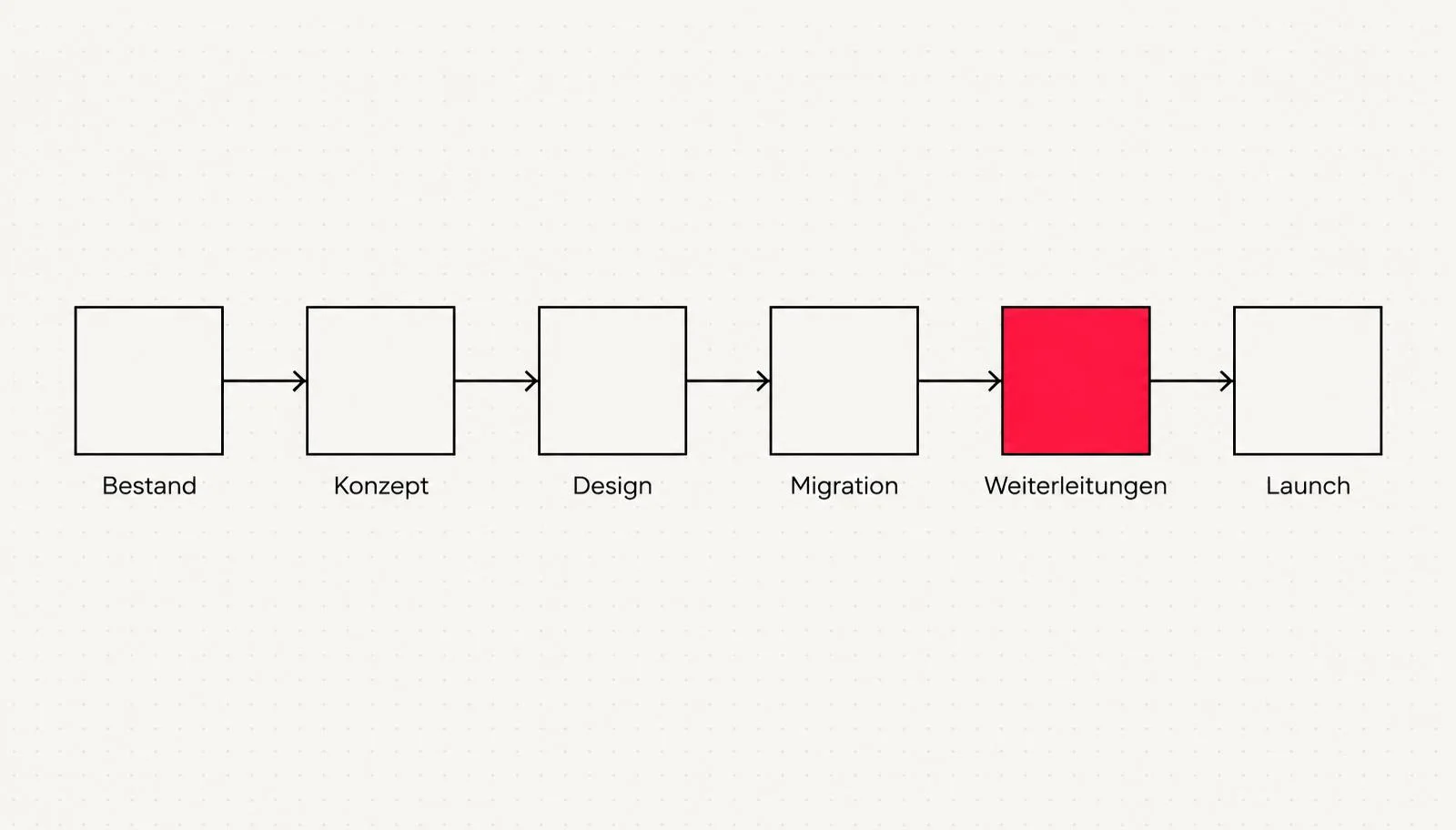
- Inventory: capture all URLs, content, extensions, integrations and traffic. Which pages bring visitors, which bring nobody?
- Concept: plan the new page structure, roles, content elements and keywords. Deliberately keep, rework or drop legacy content.
- Design: component system based on the corporate design, accessible and mobile-first.
- Migration: transfer content, partly automated, partly editorially reworked.
- Redirects: every old URL gets a matching new target via 301 redirect.
- Launch: switch over, check Search Console, watch error pages, train editors.
The Most Common Pitfalls
| Pitfall | Consequence | Better |
|---|---|---|
| No redirects | Rankings and backlinks are lost | 301 plan for every relevant URL |
| Copy everything 1:1 | Old problems move along | Review and trim content first |
| Involve editors too late | New backend is not accepted | Let them test early, train them |
| Keep extensions unchecked | Upgrade problems from day one | Check each extension for necessity |
| Launch without staging test | Errors only show up live | Full test on a copy |
Launch Day Checklist
- All 301 redirects active and spot-checked
- Sitemap resubmitted, Search Console connected
- Title and description set for all key pages
- Forms, search and language switch tested
- Tracking and cookie consent working
- Backups and monitoring set up
The most critical part of a relaunch is the least spectacular: a spreadsheet of old and new URLs. Keep it clean and you lose hardly any visibility during the switch.
Further Reading
- TYPO3 agency: development, relaunch and updates
- Website relaunch: when it pays off
- What does a TYPO3 website cost?
Frequently asked questions
How long does a TYPO3 relaunch take?+
Will I lose my Google rankings in a relaunch?+
Relaunch or upgrade, which is better?+
Can content be migrated automatically?+
Do I have to stay with TYPO3 in a relaunch?+
What does a TYPO3 relaunch cost?+
What is a 301 redirect?+
Sources
- Get TYPO3: Versionen, Support-Zeiträume und Systemvoraussetzungen, TYPO3 Association (2026)

Josef leads the strategic and creative development of brands at Maluure. For over a decade, he has guided medium-sized businesses from brand positioning to digital delivery.
Managing Director of Maluure GmbH, Cologne. Specialising in corporate design, brand strategy and digital brand experiences.
Weiterlesen

TYPO3 Updates: LTS, ELTS and Why Outdated Versions Are a Risk
How long does your TYPO3 version still get updates, what is ELTS, and how does an update work? With current support periods and a checklist.

TYPO3 14: What the New Version Brings and When to Switch
TYPO3 14 LTS has been available since April 2026. What is new, which system requirements apply, and when switching from TYPO3 12 or 13 pays off.

TYPO3 vs. WordPress: Which System Fits Your Company?
TYPO3 or WordPress? An honest comparison by company size, editing, multilingual support, security and costs, with a clear decision guide.
Explore more blog topics
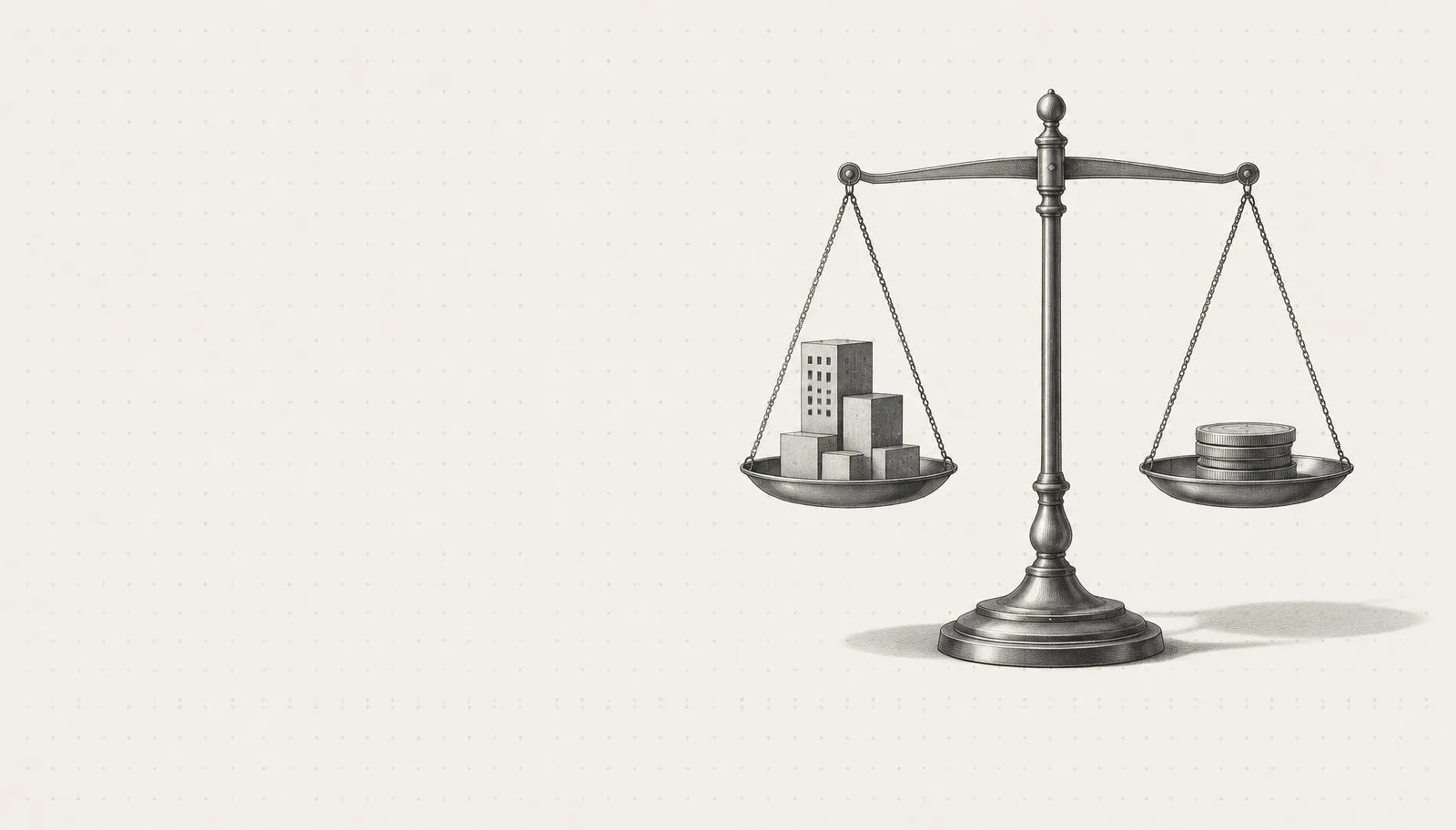
What Does a TYPO3 Website Cost? Cost Factors and Guide Values
What a TYPO3 website costs depends on scope, languages, extensions and migration. Guide values for new builds, relaunches, upgrades and running costs.

Getting a Logo Designed: Costs, Process, and Common Mistakes
Pricing, process, and pitfalls: what you should know before you have a logo designed by an agency or a designer.
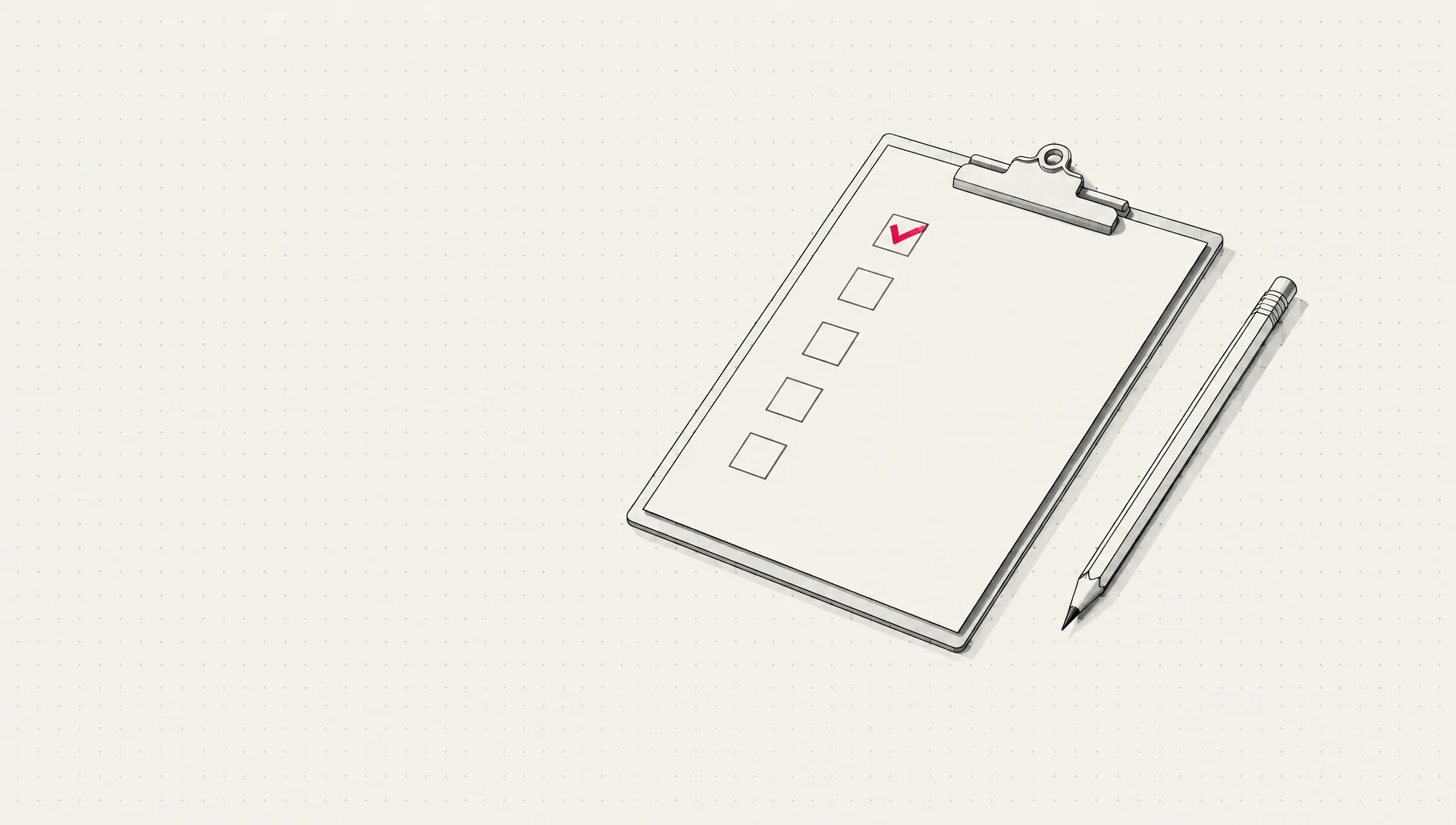
Setting Up a Google Ads Campaign: The Complete Checklist
Setting up a Google Ads campaign properly means getting goal, structure, keywords, ads, tracking, and landing page right, in the correct order. This checklist walks through the setup step by step.